StoreFront 3.x

Hide or change "domain user or username@domain.com" text in Storefront.

··2 mins
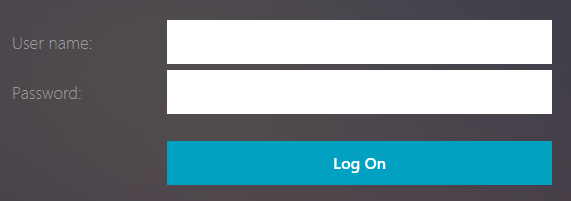
The following was tested om 3.10+ versions, not sure if it works on older or 2.x versions. Hide the default text # You can hide the default text “domain\user or username@domain.com” in the storefront username field. This can be done by simply editing the “custom style.css” file. This file is located in “C:\inetpub\wwwroot\Citrix\Store>Web\custom”. Replace “<Store>” with your own store name. You need to edit each store separately. Add the following to hide the text (1):