A multi purpose Toolbox for managing a Citrix environment.
Download#
[sdm_download id=“794” fancy=“1” new_window=“1” color=“blue”]
CtxToolbox Requirements#
- .Net Framework 4.5.2 Make sure that version 4.5.2 or higher is installed from the .Net Framework
Settings (First time use)#
When you first start the application, you need to make a selection.
- Local You can use this mode when running CtxToolbox locally on a delivery controller
- Remote A remote (PowerShell) connection will be made to a delivery controller Requirements:
- service account with enough permissions to perform all the tasks. (at the moment Administrator role, more on this later)
Note: For a remote connection more configuration might be required. Check this blog article.
- Cloud You can use this option to connect to the Citrix Cloud plane. Requirements:
- SDK installed (Download)
- name, api and secret code
Note: Passwords and api/secret will be stored safely and encrypted. 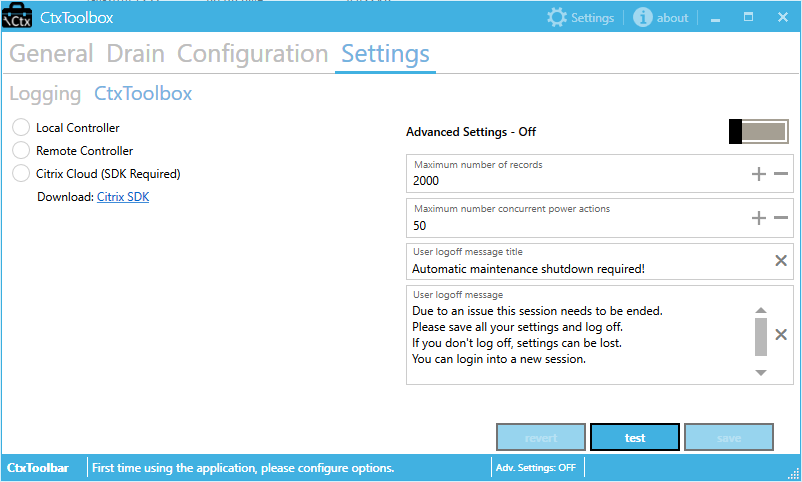
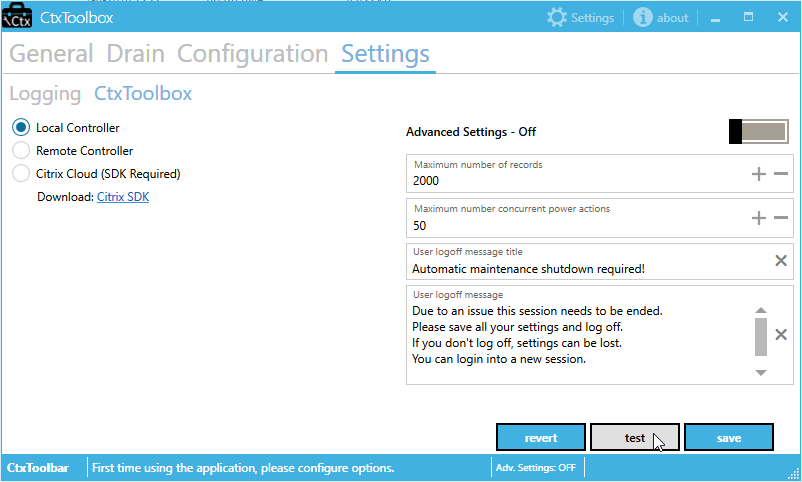
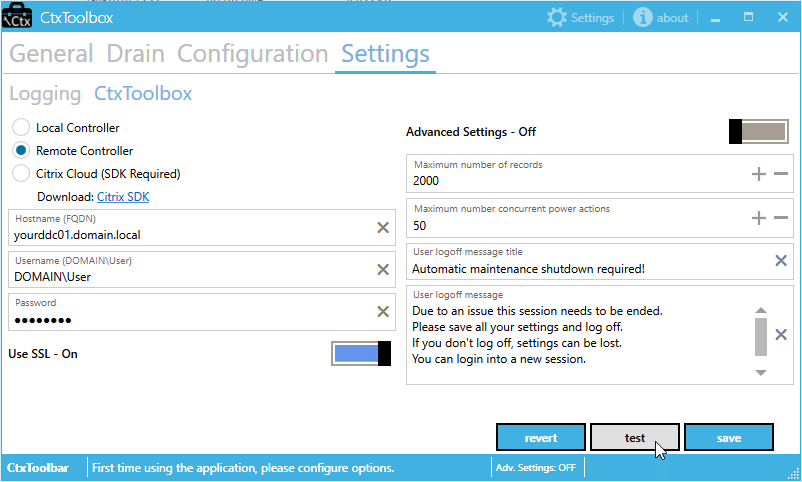
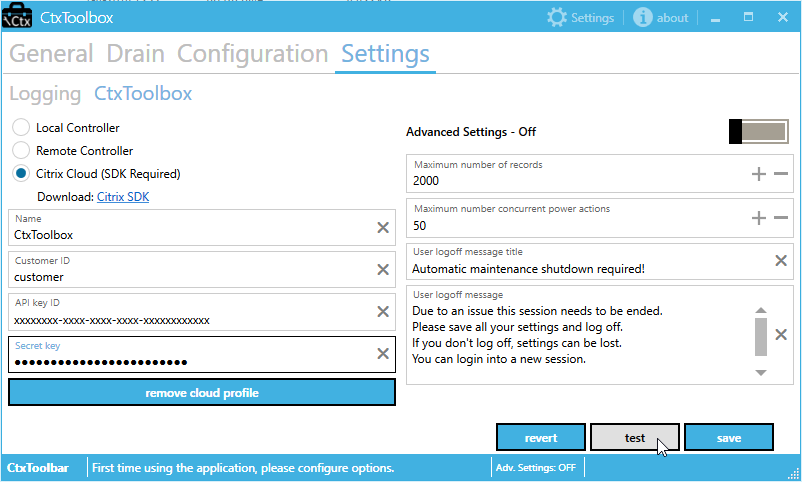 If you made a selection, click the test button to verify the connection. You’ll receive a message box with the test result. Save the results when you’re done.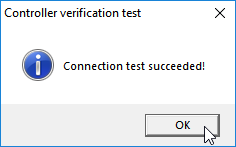
 The other settings that currently can be configured is
- Maximum number of records Typically this does not need to be changed.
- Maximum number concurrent power actions If the tool shuts the machines down, how many power actions is this tool allowed to trigger (Does not exceed the configured values)
- User logoff message title You can edit and save your own message title displayed in the session (if selected)
- User logoff message You can edit and save your own message displayed in the session (if selected)
- Advanced Settings If you enable this, a menu will become available under “Configuration” -> “Controller”
Configuration - Controller#
If you have enabled the “Advanced Settings” setting you will be able to change some settings under “Configuration” -> “Controller” 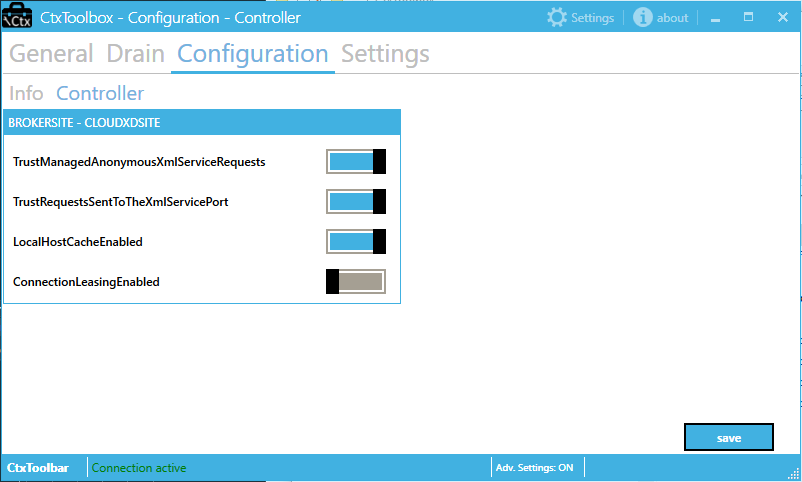
- TrustManagedAnonymousXmlServiceRequests
- TrustRequestSendToTheXmlServicePort
- LocalHostCacheEnabled
- ConnectionLeasingEnabled
If one of the settings will be disable this means this item is not available in your environment, this can be version related.
Drain#
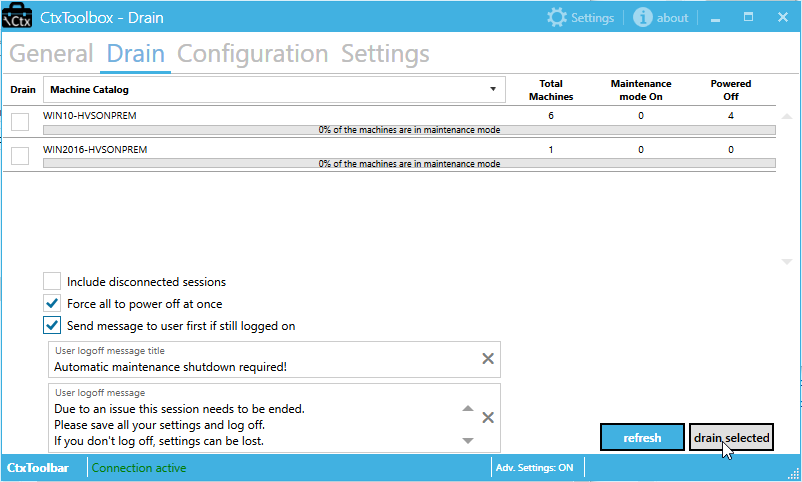
The drain function has different options, each option determines how fast the machines will go into maintenance mode and how it will react and interact with a connected user. 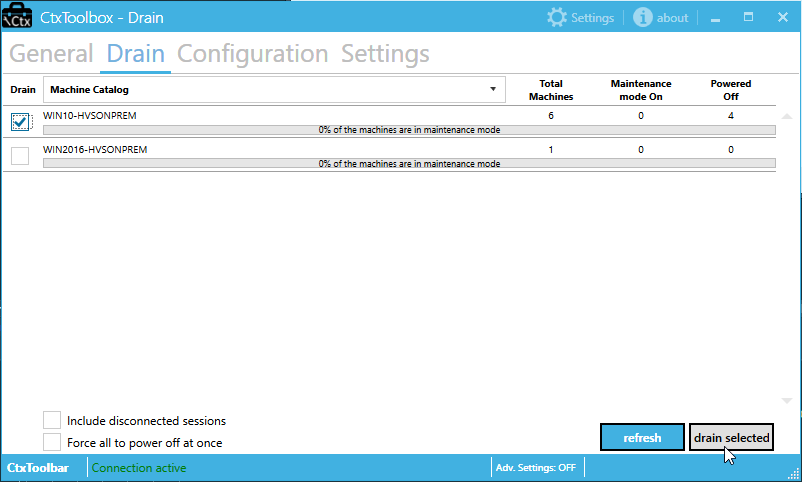 These are the options
- **default **Nothing selected. (Also the slowest mode) All the machines in the selected catalogs will go into maintenance mode. But it will wait with a machine if it has an active or disconnected session. CtxToolbox will leave those alone. When a user logs off the machine will be put into maintenance. All the machines that are in maintenance mode will also be shut downed.
- include disconnected sessions Same as the previous one, the only difference is that it also will include disconnected sessions while putting them in maintenance mode and shutting them down. Logged in (active) users will be left alone until they log off (or disconnect their session)
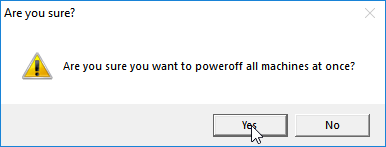
- force all to power off (more like an emergency shutdown) It does not matter if a user has an active session, it will be put in maintenance and shut down like the rest of the machines. You’ll receive a message to verify your decision.
- Send message to the user first if still logged on Same as “force all to power off” but the difference is that the user will be given a chance to save the settings and log off. Within 5 minutes about 10 messages will be send to the user. This message can be customized.
Cancel active task#
If for what reason you need to stop CtxToolbox from executing the current task, you can cancel it by clicking the Cancel Job progress in the bottom right. 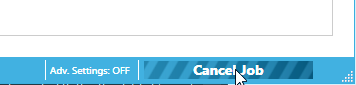
Bugs, Issues and suggestions#
The current version is still in an early stage. By releasing it to the public I hope I can find some people who want to test it and give some feedback. In due time I will add some more functionality and also try to fix issues and make it more stable. If you find bugs or have feedback please fill in the feedback form.